Scuba Pro Portal: Manage Your Own Requests and Assignments
Instructors and divemasters get their own dashboard, filtered schedules, class requests, and assignment reports—so pros can manage their teaching load without email chains or spreadsheets.
Start 60-Day Free TrialEverything a Scuba Pro Needs in One Place
DiveCrewPro gives every instructor and divemaster a personal view of assignments, requests, and reports—so they stay organized and shop admins spend less time chasing updates.
Your Own Pro Dashboard
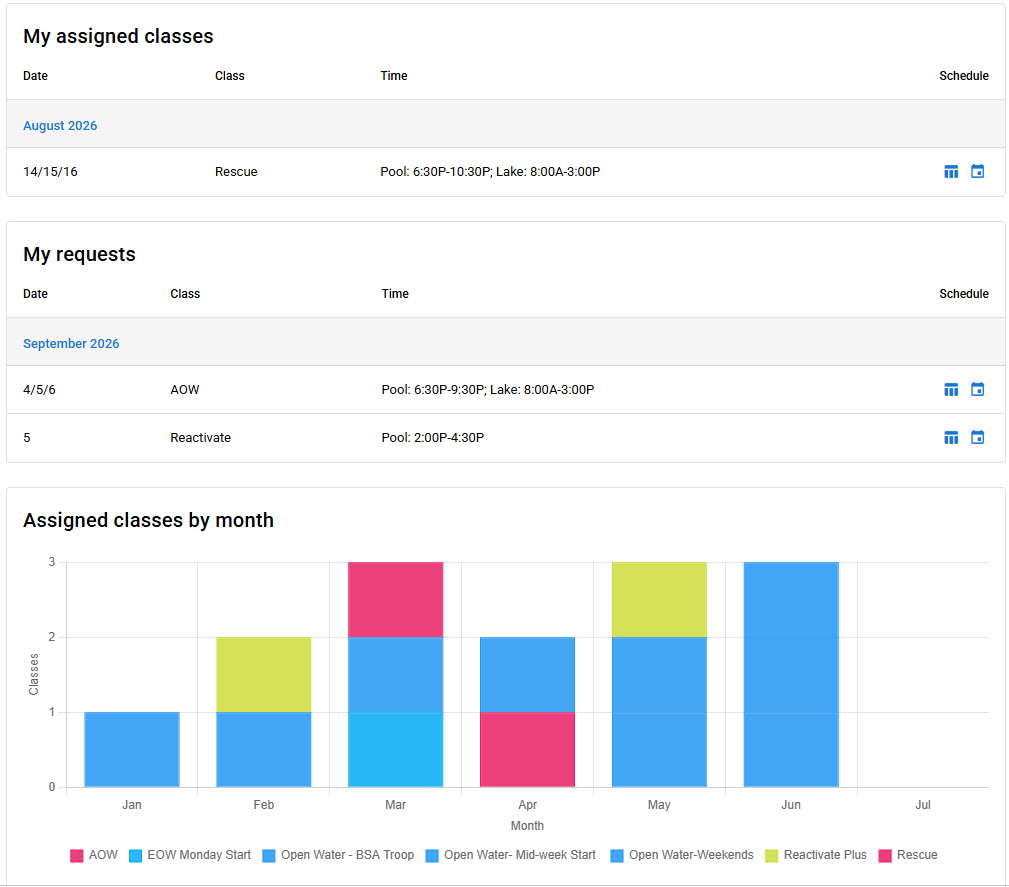
Pros log in to a personal dashboard showing assigned classes, outstanding requests, and a month-by-month view of their teaching load. No digging through shop-wide calendars to find what matters to them.
Filter the Main Schedule
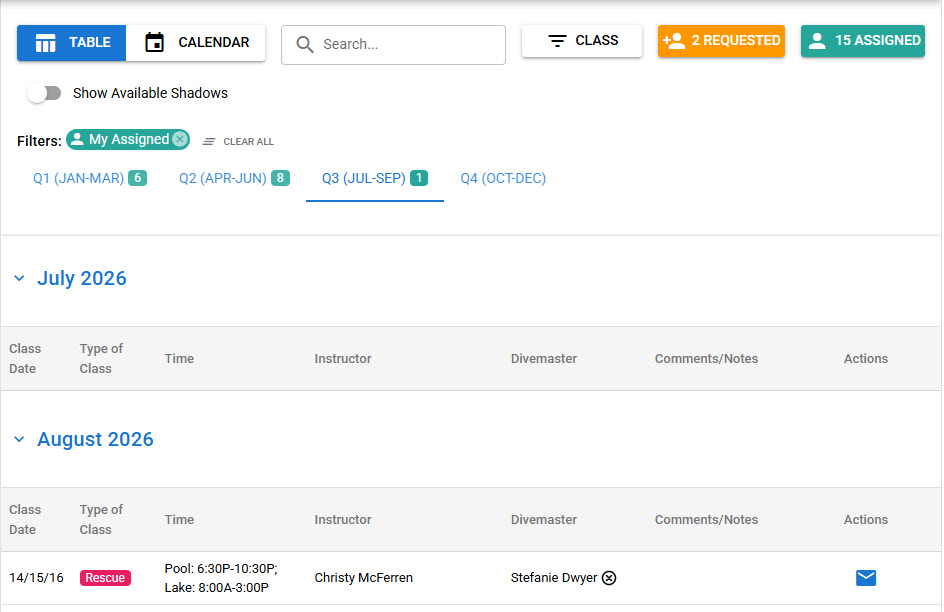
Pros can filter the full shop schedule down to what they need—like My Assigned—so they quickly see upcoming classes, request status, and who else is on the roster without the noise.
Request Classes and Review Assignments
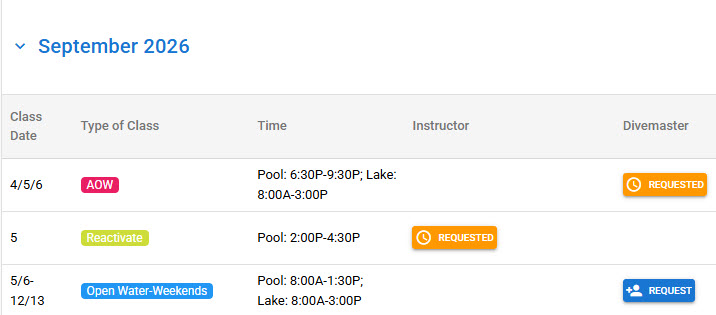
Pros request the classes they want to teach.
Run Reports and Email Assignments
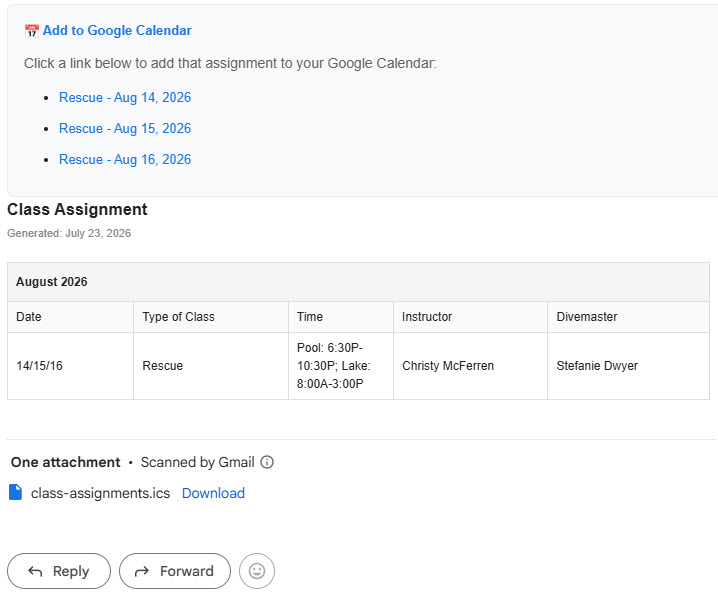
Pros can email their assignments with one click. Each message includes a clear assignment table, Google Calendar links for every session, and an .ics attachment—so nothing gets lost in the inbox.
Give Every Pro Self-Service Scheduling
DiveCrewPro puts dashboards, filters, requests, and assignment emails in each pro's hands—so your shop spends less time on admin and more time in the water.
Start 60-Day Free TrialSee also: class roster import, pro blackout dates, pro roles, scuba instructor scheduling, and dive shop scheduling software.